Add a Fixed Preserve
Use this guide to define where your mechanism is held in place. Fixed preserves apply zero-displacement boundary conditions -- the nodes in these regions cannot translate or rotate. They represent mounting surfaces, bolted joints, or any attachment point that anchors the mechanism to its surroundings.
Two types of fixed preserves
deFlex offers two fixed preserve variants:
- Fixed Preserve (part-based): A rectangular or imported geometry region that is fixed. Use this for bolt holes, mounting pads, or localized attachment points.
- Fixed Boundary: Constrains entire edges (2D) or faces (3D) of the design domain. Use this for clamped edges, bonded surfaces, or when the mechanism is fixed along a full side.
Steps
1. Create the fixed preserve
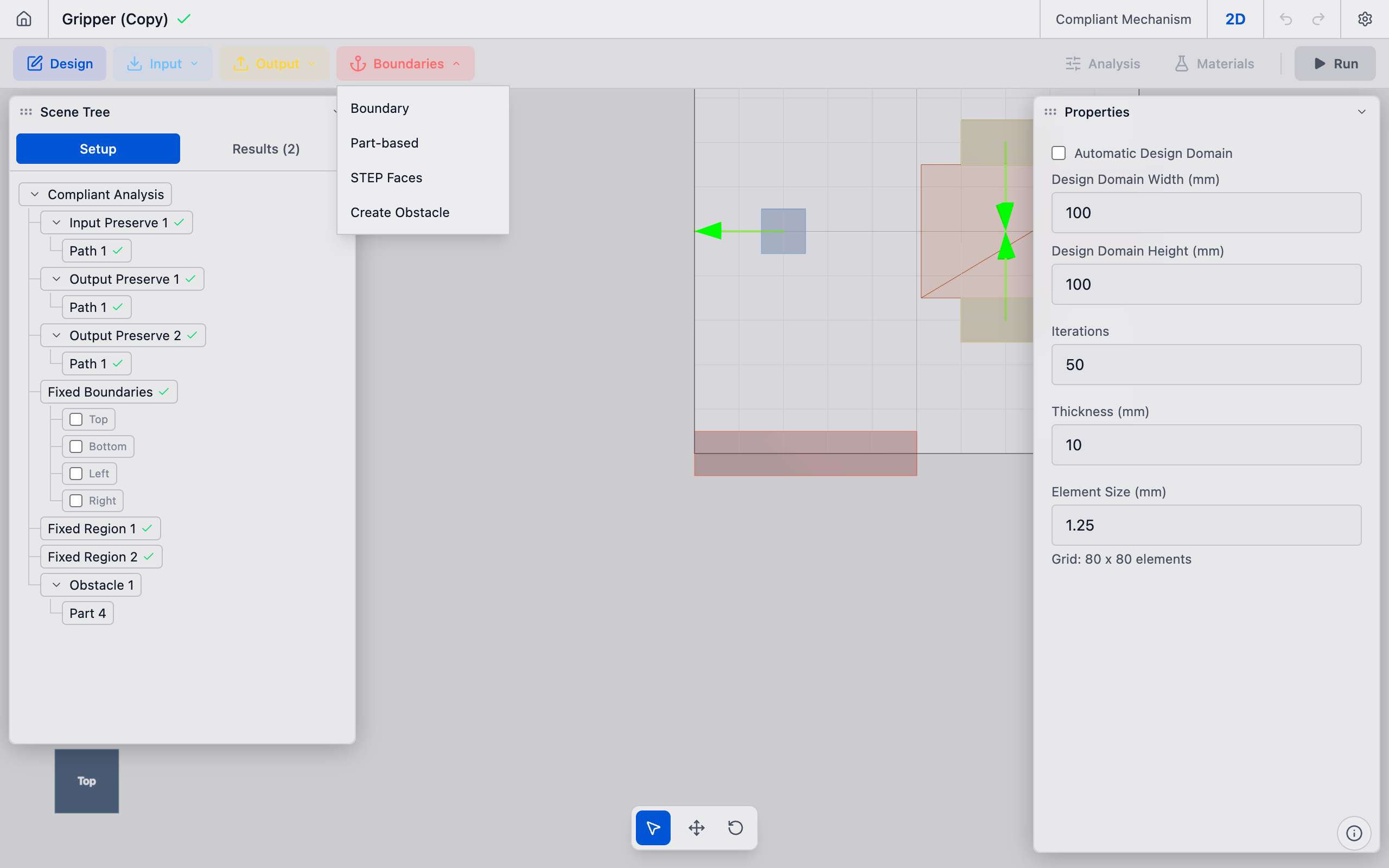
In the toolbar, click the Boundaries dropdown button. Select either Part-based or Boundary from the menu.
2A. Configure a part-based fixed preserve
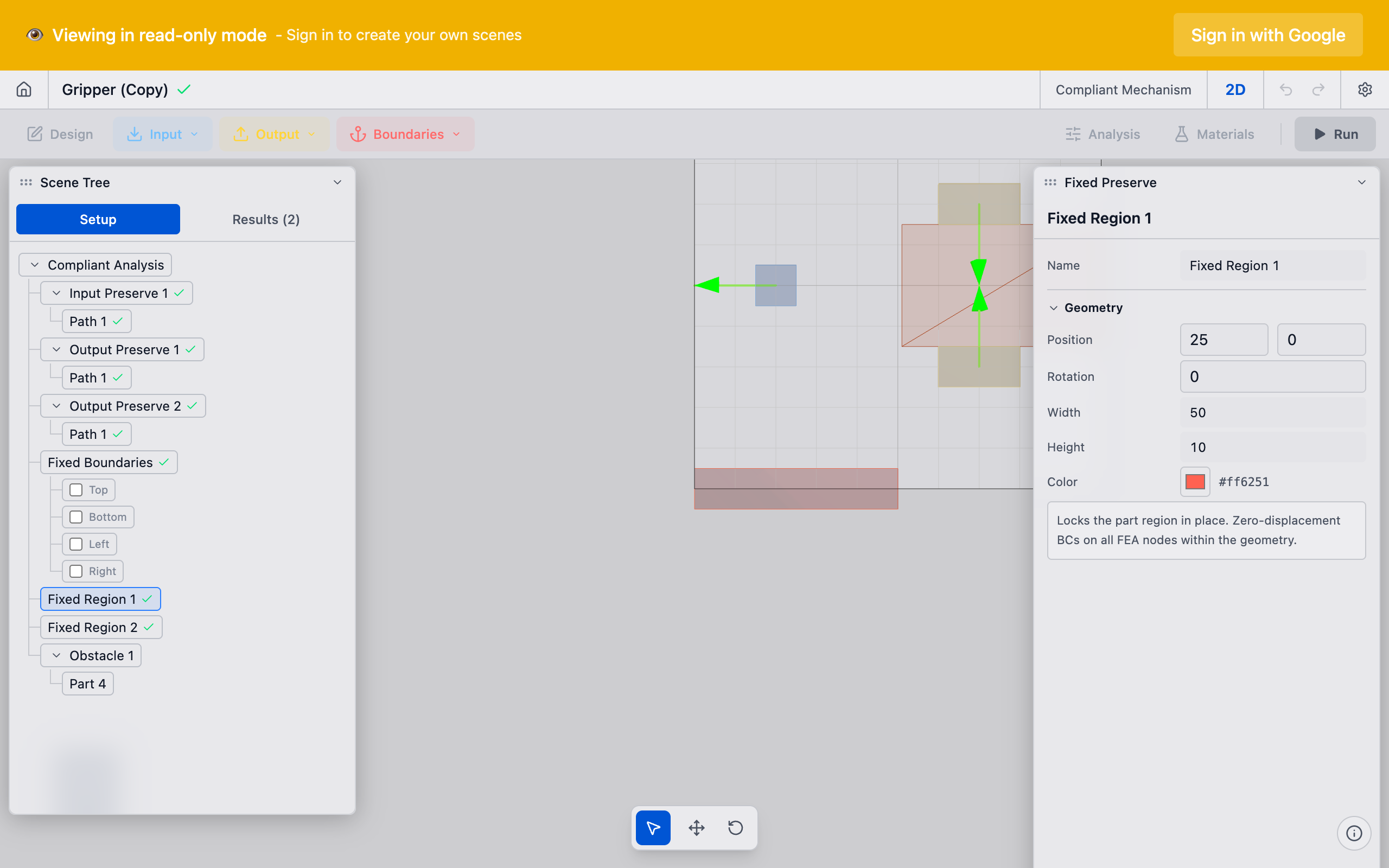
If you selected Part-based, the Properties panel shows part position and dimensions:
- Position X / Y: Center of the fixed region.
- Width / Height: Extent of the region.
Place this at your mounting point. For a bolted connection, position the preserve at the bolt center and size it to cover the material around the hole.
2B. Configure a boundary fixed preserve
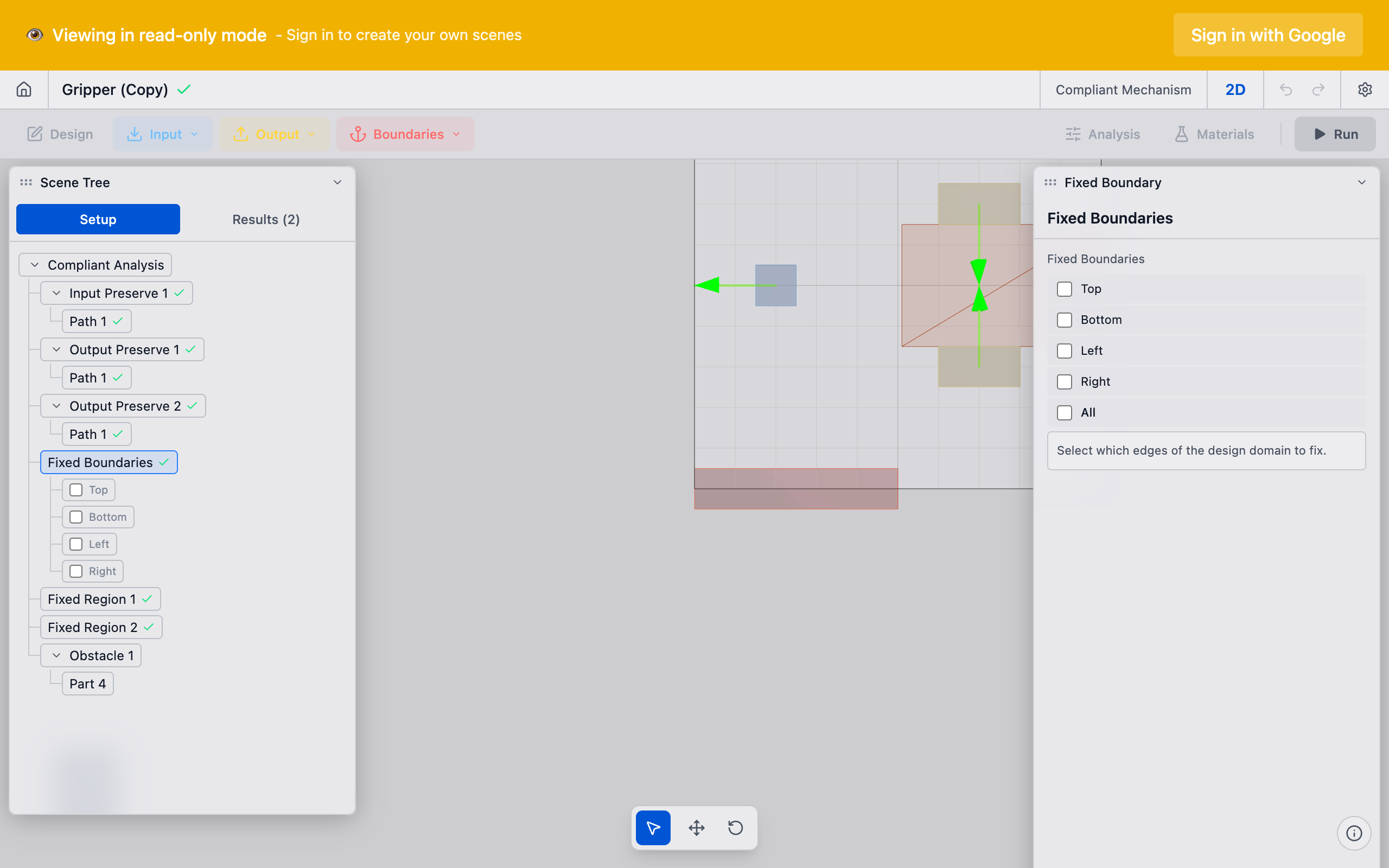
If you selected Boundary, the Properties panel shows which domain edges to fix:
- Select the edges or faces of the design domain that should be constrained.
- Common configurations: fix the bottom edge (cantilever), fix both left and right edges (bridge), or fix specific corners.
3. Verify in the viewport
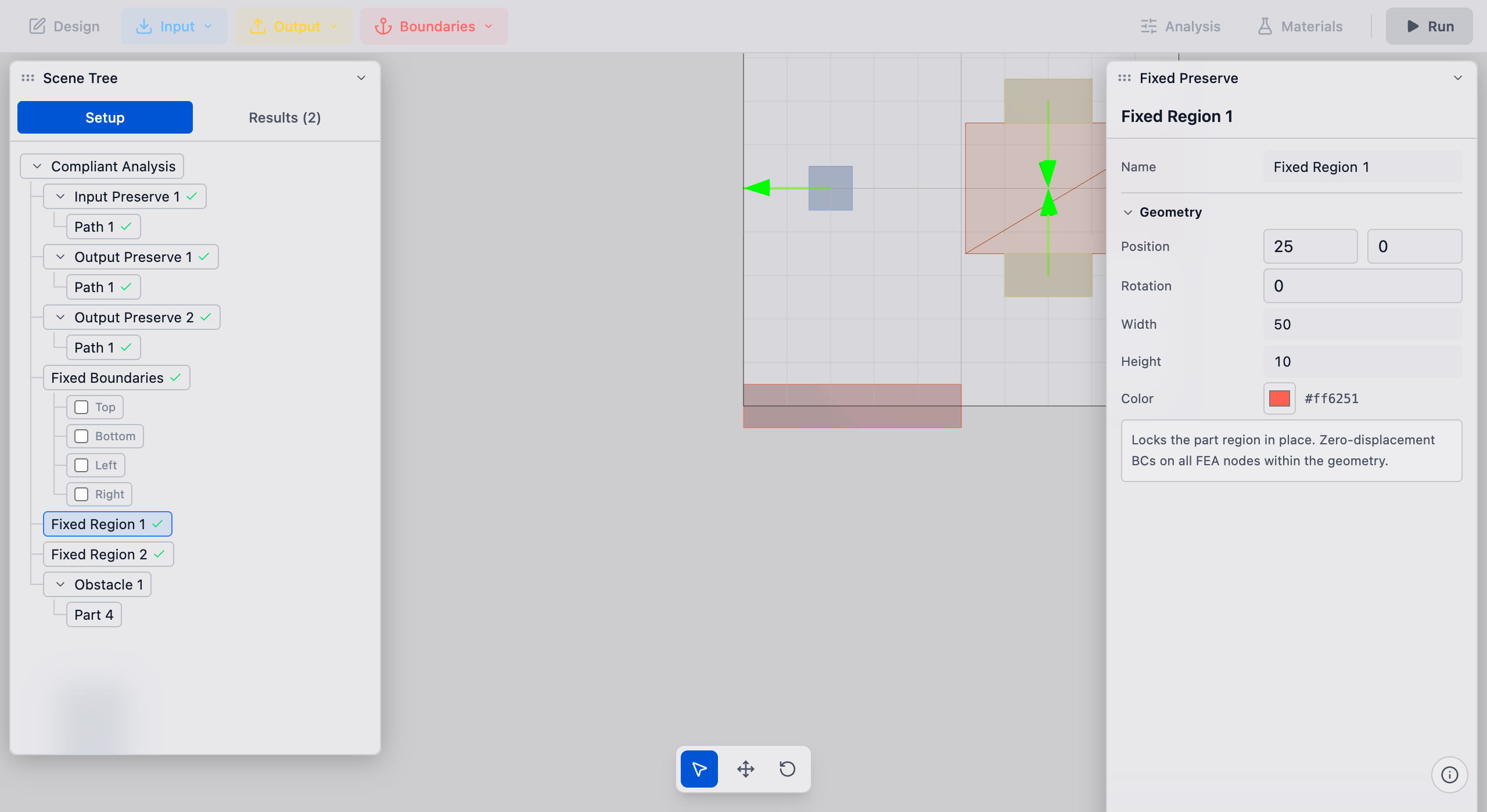
Fixed preserves appear with a distinct color and fixed-support markers (small triangles or hatching at the boundary). Confirm the fixation covers the correct region.
Boundary fixed preserves highlight the constrained edges of the design domain.
Tips
- Every mechanism needs at least one fixed preserve. Without fixation, the solver has no reaction points and the stiffness matrix is singular. The solver will fail or produce meaningless results.
- Fix vs. input: A common mistake is applying fixation where an input force should go, or vice versa. Fixed preserves have zero displacement. Input preserves have applied force or prescribed displacement. They serve different roles.
- Bolt pads as fixed preserves: In Decoupled Thermal Flexure analyses, bolt pads with
role: outputbecome fixed nodes -- they are the pinned mount points of the mechanism. The user-placed OutputPreserve (with a direction) is different: it defines the desired output motion target. Do not confuse the two. - Redundant fixation: Over-constraining the domain (fixing too many regions) restricts the optimizer and can prevent useful topologies from forming. Fix only what is physically anchored.
What to do next
- Add an input preserve to define where force enters the mechanism
- Add an output preserve to define the desired output motion
- Create pairs to link inputs and outputs for the solver