Fixed Preserves
A fixed preserve defines a region where the mechanism is anchored to the ground or a rigid support. All nodes within a fixed preserve are constrained to zero displacement — they cannot move in any direction. Fixed preserves provide the reaction forces that make the mechanism work. Without them, applying a force to an input preserve would simply translate the entire structure rather than deform it.
Why It Matters
Fixed preserves are the unsung heroes of mechanism design. While inputs and outputs get most of the attention, fixed preserves determine the quality of the mechanism's leverage and load paths:
- No fixed preserves = no reaction forces = no deformation = no mechanism
- Poorly placed fixed preserves = inefficient load paths = poor performance
- Well-placed fixed preserves = effective leverage = efficient mechanisms with clean topologies
Every compliant mechanism needs at least one fixed preserve to be mechanically valid. In practice, most designs use two or more to provide stable anchoring.
How It Works
Zero Displacement Boundary Condition
When the solver builds the analysis model, every node within a fixed preserve receives a zero displacement constraint in both the X and Y directions. This means:
- These nodes cannot translate — they are "pinned" to their original position
- The solver computes whatever reaction forces are needed to keep them stationary
- These reaction forces propagate through the mechanism, enabling the input force to create deformation rather than rigid-body translation
Mechanically, fixed preserves represent bolted joints, clamps, welds, or any attachment that can be treated as infinitely rigid relative to the mechanism.
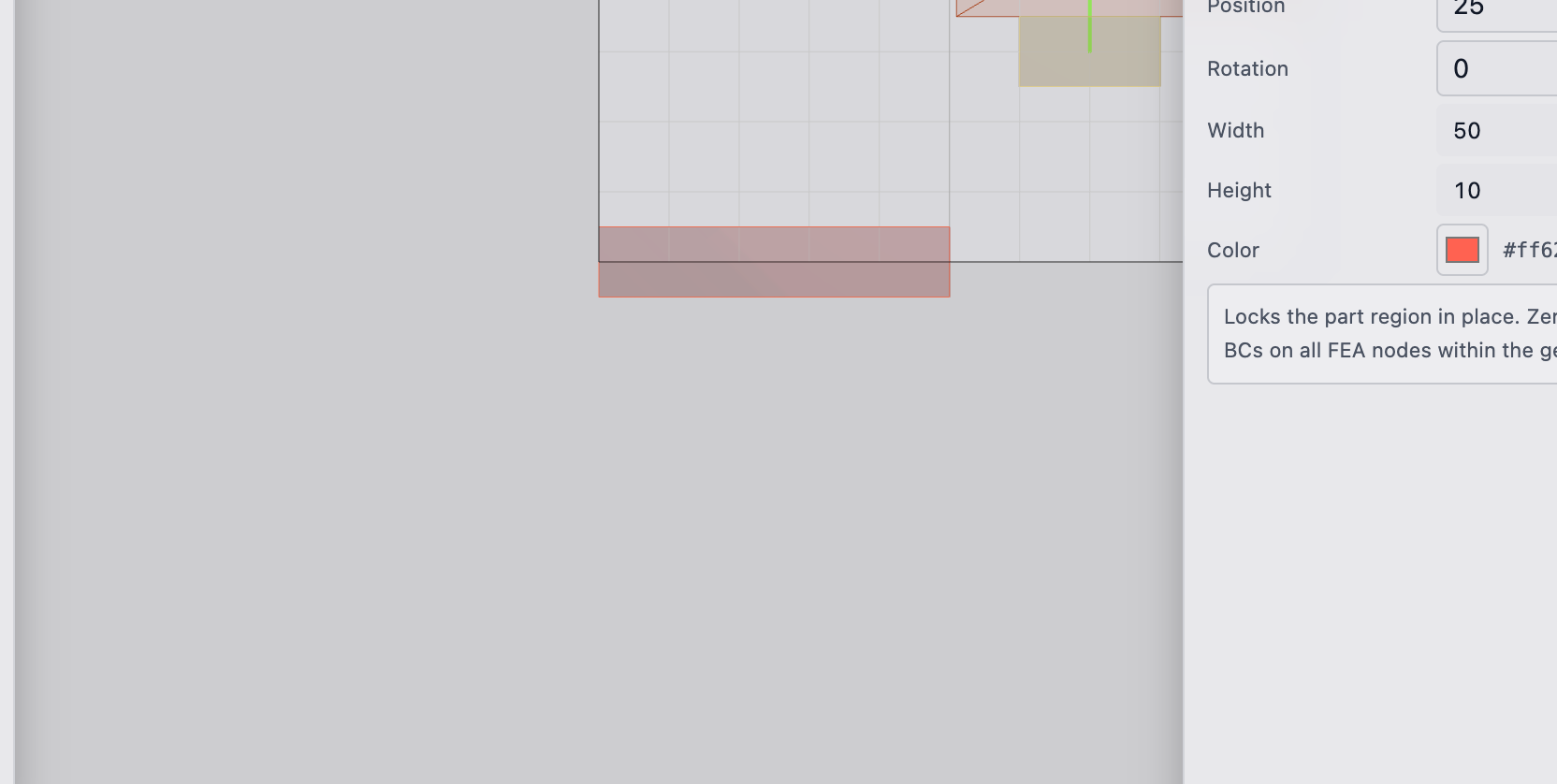
Fixed preserves constrain displacement to zero, but they do not constrain rotation at individual nodes. In the analysis formulation used by deFlex, nodes have only translational degrees of freedom. True rotational constraints (moment fixity) would require different element types. For most compliant mechanism problems, translational fixity is sufficient.
No Direction Vector
Unlike input and output preserves, fixed preserves do not have a direction vector. They constrain displacement to zero in all directions. There is no "preferred direction" for an anchor — it resists motion however the mechanism tries to push it.
Preserve Region
As with all preserves, the fixed preserve region is locked to solid (density = 1). The optimizer cannot remove material from a fixed preserve. This ensures the mounting region remains physically present in the final design.
Practical Guidance
Placement Strategy
Fixed preserve placement is a design decision that significantly affects the mechanism topology. Consider these guidelines:
Provide leverage: Place fixed preserves where they create effective moment arms relative to the input and output. A fixed preserve directly between the input and output creates a fulcrum, enabling lever-like topologies. Fixed preserves far from the load path provide less useful leverage.
Ensure stability: Use at least two fixed preserves for stable anchoring. A single fixed preserve allows the mechanism to rotate (swing) around it, which can produce unexpected topologies. Two or more fixed preserves constrain both translation and rotation.
Reflect physical reality: Place fixed preserves where your part will actually be bolted down or clamped. The optimization result is only useful if the boundary conditions match the real mounting configuration.
A useful mental model: imagine holding the mechanism with your fingers at the fixed preserves while pushing on the input preserve. The mechanism should deform to produce motion at the output. If your finger placement does not enable that deformation, the optimizer will struggle too.
Common Configurations
Two-point anchoring (most common): two fixed preserves on one side of the design space, with input and output on the opposite side. Creates a cantilevered mechanism.
Three-point anchoring: three fixed preserves forming a triangle. Provides a highly stable base. Common for plate-like design spaces.
Corner anchoring: fixed preserves at two or more corners of a rectangular design space. Gives the optimizer maximum freedom in the interior.
Edge anchoring: fixed preserves along one edge. Simulates a cantilever plate bolted along one side.
What Fixed Preserves Represent Physically
- Bolt holes (via bolt pads with "fixed" role): the most common case. The bolt clamps the mechanism to a rigid surface, preventing displacement.
- Weld joints: a region welded to a rigid frame.
- Clamp surfaces: areas where a vice or fixture holds the mechanism.
- Integral features: regions that are part of a larger rigid structure that the mechanism is carved from.
Technical Details
Stiffness Matrix Modification
Fixed boundary conditions are implemented by modifying the global stiffness matrix. For each constrained degree of freedom:
- The corresponding row and column in K are zeroed
- The diagonal entry is set to 1
- The corresponding entry in the force vector f is set to 0
This effectively removes the constrained DOFs from the system while maintaining the matrix size and structure. The reaction forces at fixed nodes can be recovered after solving by back-substituting the solution into the original (unmodified) stiffness equations.
Effect on Sensitivity Filtering
Sensitivity filtering near fixed preserves requires care. Nodes at the boundary between fixed and free regions experience a sharp stiffness discontinuity — the fixed side has effectively infinite stiffness, while the free side has finite stiffness. The density filter smooths this transition, but very small filter radii can produce artifacts near fixed boundaries.
Minimum Number of Fixed Preserves
Mathematically, a 2D problem requires at least 3 constrained degrees of freedom to prevent rigid-body motion:
- 2 for translation (X and Y)
- 1 for rotation
A single fixed preserve with 2+ nodes typically provides enough constraints. However, a single-node fixed preserve provides only 2 DOFs (X and Y translation), leaving rotation unconstrained. In practice, all deFlex fixed preserves span multiple nodes, so this is rarely an issue.
If the solver reports a singular stiffness matrix, the most likely cause is missing or insufficient fixed preserves. The system is mechanically unconstrained and cannot be solved. Add at least one fixed preserve with multiple nodes.
Reaction Force Extraction
After optimization, the reaction forces at fixed preserves can be extracted from the solution. These forces tell you how much load the mounting points must support. This is useful for:
- Sizing bolts and fasteners at fixed locations
- Verifying that the support structure can handle the reaction loads
- Checking force equilibrium (sum of all reaction forces should equal the applied input forces)
Troubleshooting
Material concentrates around fixed preserves instead of forming a mechanism: the optimizer is creating a direct structural connection to resist the input force rather than transmit it. This often happens when the fixed preserves are too close to the input, creating a short, stiff load path. Move fixed preserves farther from the input or reposition the output.
Mechanism swings or rotates unexpectedly in the result: a single fixed preserve cannot prevent rotation. Add a second fixed preserve at a different location to constrain rotational motion.
Thin connections to fixed preserves: the optimizer is minimizing material usage near the supports. This is normal behavior — the optimizer routes material where it is most needed. If the connections are unrealistically thin, increase the mesh resolution or use a larger filter radius.
See Also
- Input Preserves — where force enters the mechanism
- Output Preserves — where desired motion occurs
- Bolt Pads — rectangular preserves often used as fixed mounts
- Preserves Overview — the full preserve system
- Design Space — the region where fixed preserves provide anchoring